
44 - Alexis CORPORAL

Alexis is a 4th-year BSIT student passionate about automating tasks and building tools that enhance development efficiency.
He enjoys customizing his workflow and experimenting with technologies that enable him to code more efficiently.
Explore his projects and learn more about him here: alexis-dev.vercel.app
Neovim & Terminal
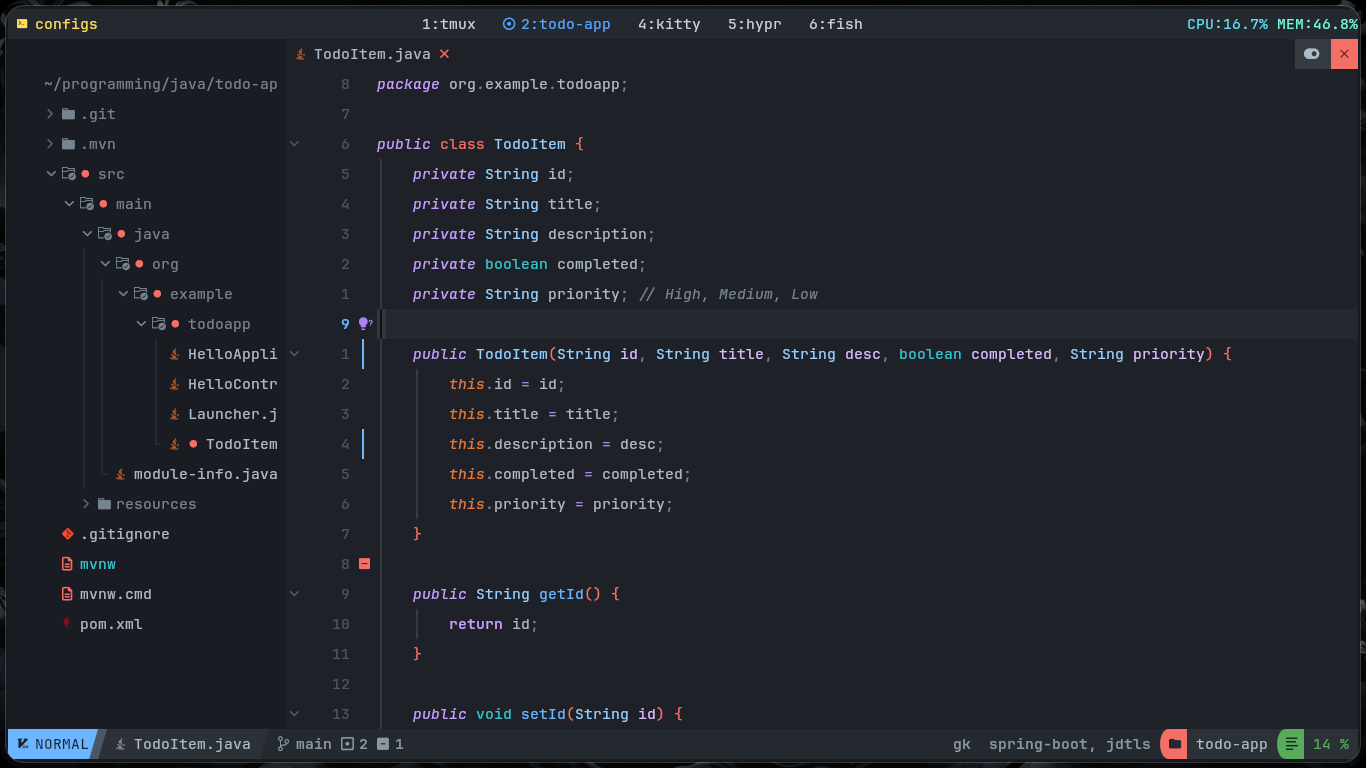
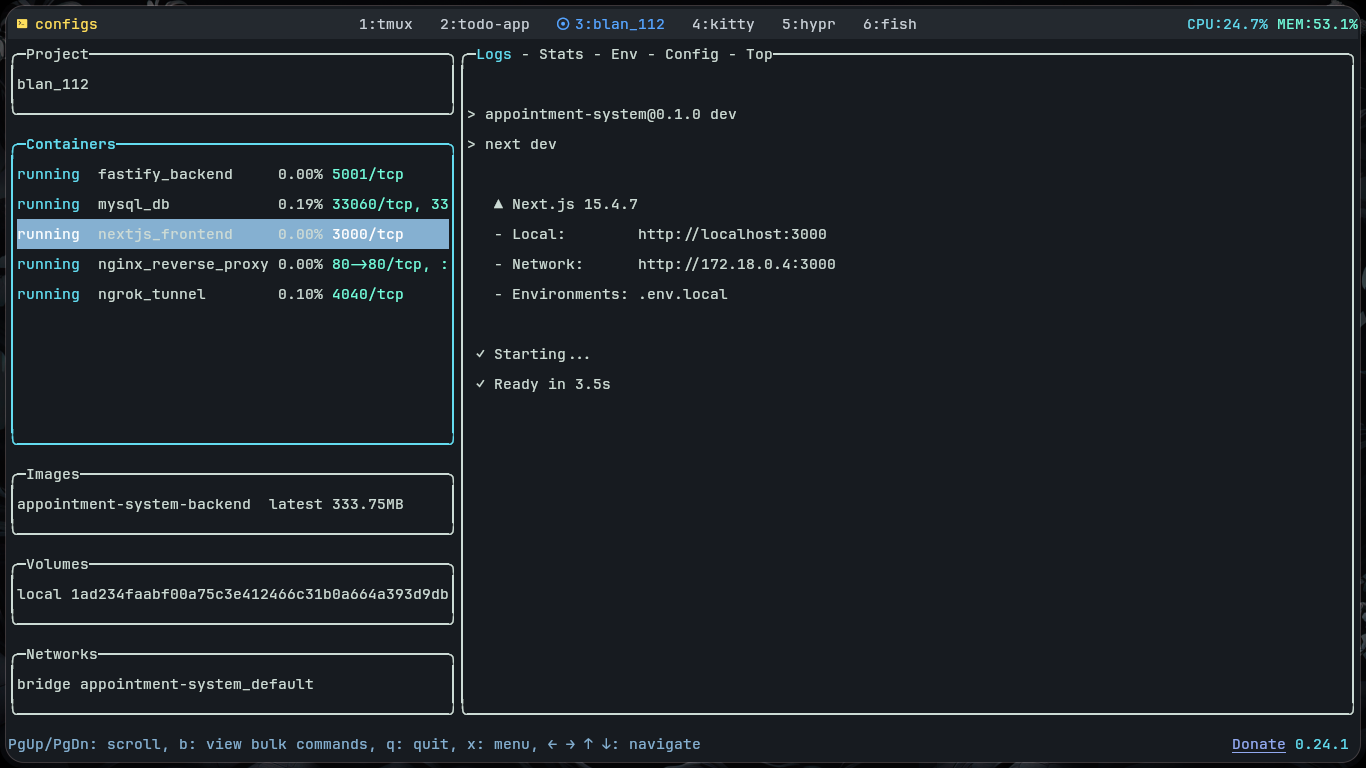
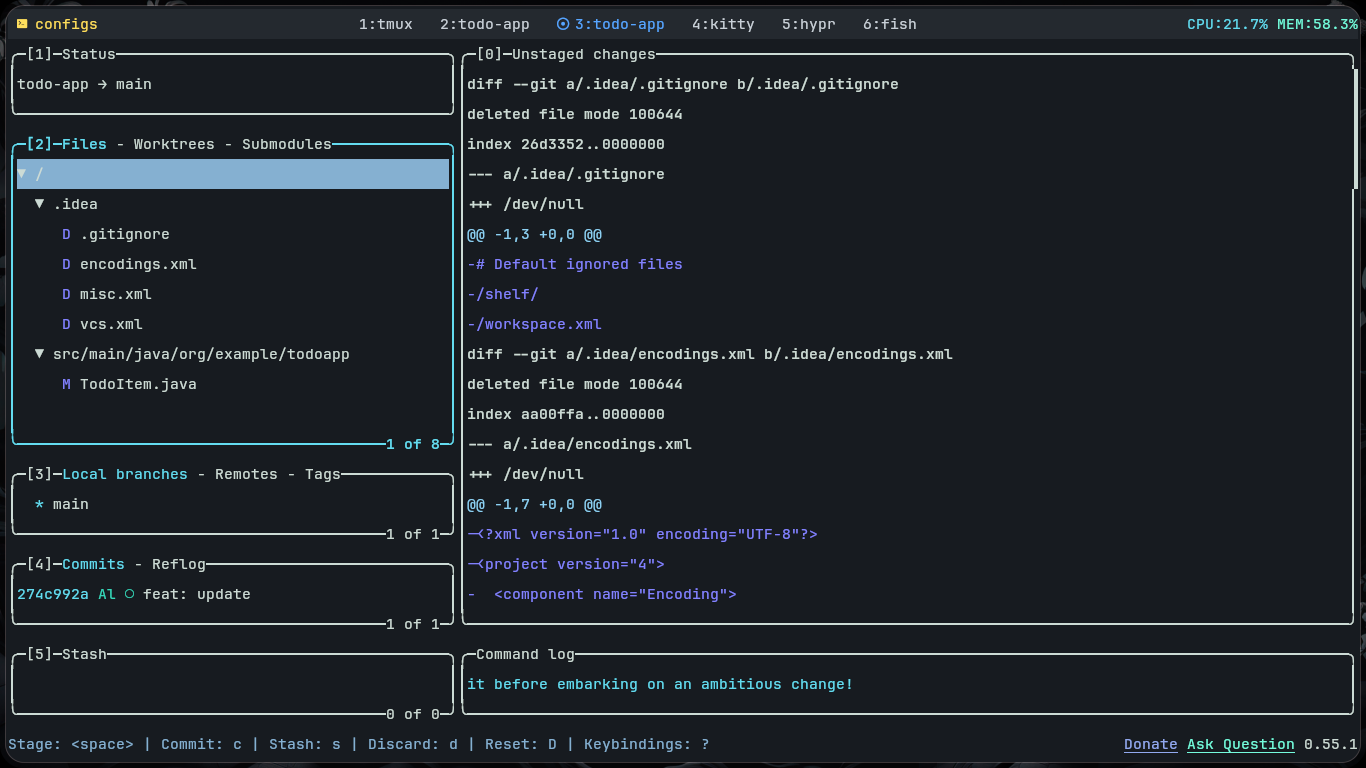
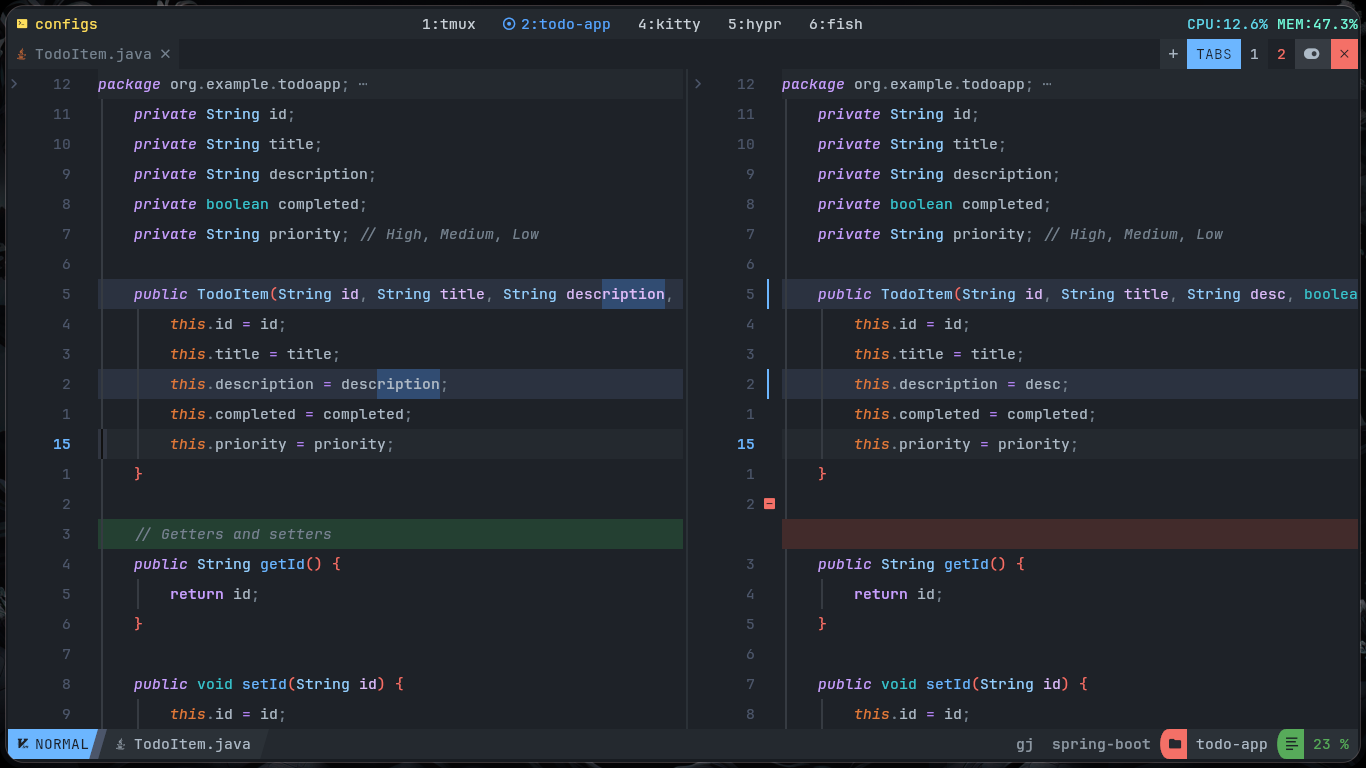
I love my Neovim setup because it’s **fully tailored to my workflow**. The keybindings and automation features let me focus on coding instead of repetitive tasks. It’s designed to **scale with my projects**, supporting multiple programming languages seamlessly. Combined with OpenCode, Lazygit, Lazydocker, and other CLI tools, my setup helps me work faster, smarter, and more efficiently every day.
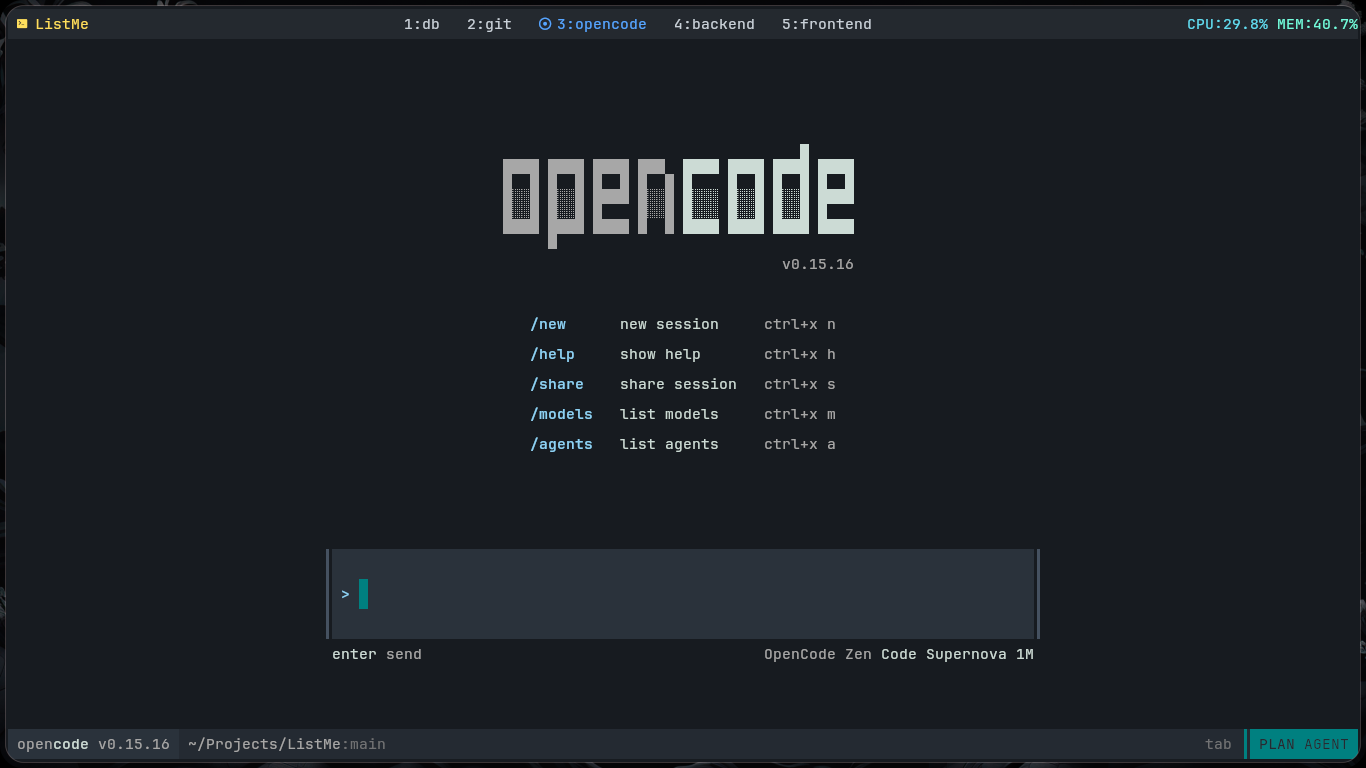
Favorite Tools
Neovim - My main editor. I customized it for scalability, workflow automation, custom keybindings that never get in the way, and smooth support for multiple programming languages.
kitty – A fast, feature-rich, cross-platform terminal emulator.
tmux – A terminal multiplexer that allows me to easily manage multiple terminal sessions.
fzf – A command-line fuzzy finder.
opencode - An AI CLI that helps me code smarter and faster.
lazygit – A terminal UI for Git to speed up version control.
lazydocker – A terminal UI for Docker to speed up container management.
Dotfiles
Neovim Setup
Neovim Config: https://github.com/Alexis12119/nvim-config
Requirements
Before diving in, ensure these are installed:
On Windows, use Scoop.
Git: lazygit
Telescope dependencies:
fd
bat
ripgrep
make
mingw-nuwen
Nerd Font (for icons):
JetBrainsMono
(Other fonts optional)
Neovim: v0.11+
Installation
Preparation:
Ensure Neovim is not running.
Remove or move the existing ~/.config/nvim directory.
Installation:
Linux / macOS:
bash <(curl -s https://raw.githubusercontent.com/Alexis12119/nvim-config/main/installer/install.sh)Windows (PowerShell):
Invoke-WebRequest https://raw.githubusercontent.com/Alexis12119/nvim-config/main/installer/install.ps1 -UseBasicParsing | Invoke-ExpressionDotfiles Setup
Dotfiles: https://github.com/Alexis12119/dotfiles
Clone repo:
git clone https://github.com/Alexis12119/dotfiles.git ~/dotfilesUse
stowto symlink into the home directory.Then install End-4 Dotfiles.
Favorite Books
Bible